
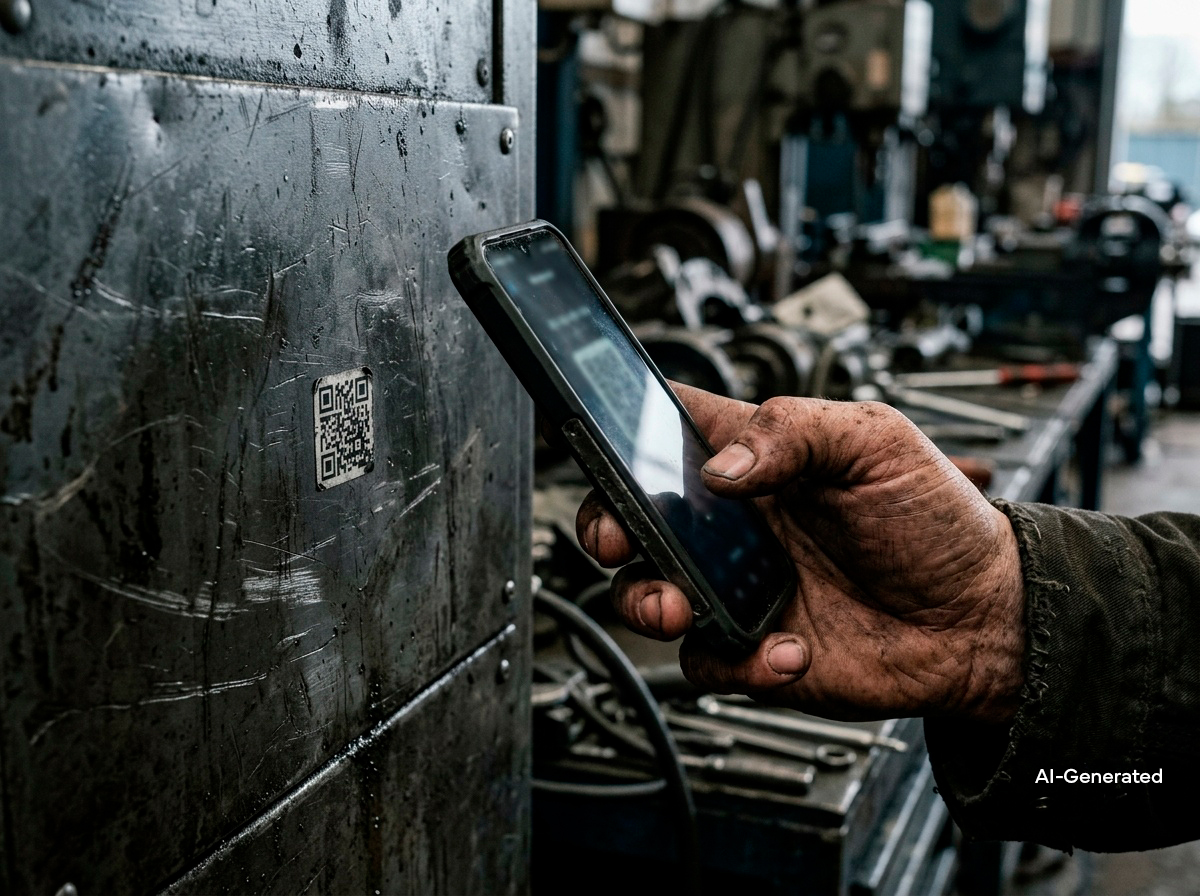
The QR code on the side of the device is a small sticker that is a few centimeters in size, which does not seem anything revolutionary. But it solves exactly the problem that has been repeated throughout this entire series of articles: training does not find the user when they really need it.
Education has always been in the wrong place
Traditional training material lives somewhere else than where the work takes place: in a folder on the office shelf, as a PDF file as an email attachment, on the intranet ten clicks away. When a user is standing in front of a machine and needs an answer right now, none of this is within reach.
This creates a familiar cycle: the user either calls someone, guesses as best they can, or doesn’t do it at all. None of these is a good option when it comes to a machine that costs hundreds of thousands of euros.
A QR code on the side of the device solves a practical problem
The QR code on the side of the device moves the training to where the problem actually arises:
- The user scans the code with their phone directly in front of the computer, there is no need to look for the right folder or remember where to find the material
- The material is tailored to the specific machine and model, not a general user manual that covers ten different machine models at once
- The same code works regardless of whether the user is an employee, a dealer representative, or a completely new person seeing the machine for the first time
A QR code on the side of the device covers the entire life cycle of the machine
The most significant advantage of a QR code is not only that it is convenient, but that the content behind the code can be kept up to date without ever having to change the label itself. When the machine is updated or the training material is improved, the content behind the code is updated, but the code itself remains the same on the side of the machine throughout its lifetime.
In practice, this means:
- The new user always has access to the latest, up-to-date version of the material, not an outdated printout
- No need to print new manuals or change physical labels with every update
- One code can contain the entire training path: a basic onboarding, more in-depth modules for more experienced users, and a final exam leading to a digital certificate
Small detail, big impact on the reach of education
CompetenceX builds just that: training that is always available directly on the device the user is using. A QR code isn’t the solution itself, it’s just a doorway to a structured, structured education built behind it that stays up-to-date and reaches the user exactly when they need it.
Do your devices currently have a way for the user to access the right training material directly at the computer? Let’s meet at the FinnMETKO 2026 fair in Jämsä on 3-5 September, or book a 30-minute sparring session and let’s see together how it can be done.
Frequently Asked Questions
Why attach a QR code directly to the side of the device?
A QR code takes education to where the problem arises. The user scans the code with their phone directly at the computer, without having to search for the right folder or remember where to find the material.
How do the training materials behind a QR code stay up-to-date?
The code itself remains the same on the side of the machine throughout its lifetime, but the content behind the code is updated whenever the machine or training material is improved. A new user will always have access to the latest version, not an outdated printout.
What can be behind a QR code, just a user manual or something more?
A single code can contain the entire training path: a basic onboarding, more in-depth modules for more experienced users, and a final exam that leads to a digital certificate.